


Why an LED Wall Instead of a Projector or Flat Screen?
You're planning the equipment for your conference room or showroom, and you're facing the question: projector, flat screen or LED wall? The answer depends on your requirements, but more and more companies are deliberately choosing an LED wall. And there are good reasons for that.
A projector needs a darkened room, loses a great deal of image quality in daylight and requires regular lamp replacements. A flat screen reaches its physical limits from 85 inches, and screen sizes beyond 100 inches are either extremely expensive or simply impossible. An LED wall, on the other hand, can be tailored exactly to the dimensions of your room, delivers brilliant images even in bright rooms and runs practically maintenance-free for many years. For a detailed comparison of projectors and LED displays in the meeting room, take a look at our Projector vs. LED Wall comparison →.
In the B2B world in particular, first impressions count: whether it's a client presentation, a product demonstration or a video conference, an LED wall turns any room into a stage for your content. No shadows, no color distortion, no compromises.
Pixel Pitch: The Right Resolution for Your Room
Pixel pitch is the key quality feature of an LED wall. It describes the distance between the centers of two neighboring pixels in millimeters. The smaller the value, the finer the resolution, and the sharper the image, especially from close up.
The most important rule of thumb: The pixel pitch in millimeters roughly equals the minimum viewing distance in meters. With a pixel pitch of 1.5 mm, the closest viewer should therefore sit at least 1.5 meters away. At 2.5 mm, it's 2.5 meters. This formula is an established guideline in the LED industry and is confirmed by manufacturers such as Unilumin and INFiLED.
For typical conference rooms with seating distances of 3 to 6 meters, pixel pitches of P1.2 to P1.9 are ideal. In larger showrooms, where the viewing distance is 5 meters or more, P2.5 to P3.9 is often enough, which is considerably cheaper with no visible loss of quality. You'll find more details on choosing the pixel pitch in our in-depth pixel pitch guide →.
A common mistake: a pixel pitch that is too fine for the actual distance in the room. If you install a P0.9 wall in a showroom with a minimum viewing distance of 8 meters, you pay significantly more, yet the human eye can't tell the difference from P2.5. Honest advice is worth more here than technical superlatives.
Brightness and Contrast: What to Look For
The brightness of an LED wall is measured in nits (cd/m²). For conference rooms with controllable lighting, 400 to 800 nits are usually sufficient. In showrooms with large window fronts or artificial light, 800 to 1,200 nits are recommended so that your content holds up against incoming daylight.
For comparison: a typical projector effectively delivers 200 to 400 nits on the projection surface, and only in a darkened room. An LED wall reaches these values with ease and can go well beyond them if needed. The result is strong colors and deep blacks that bring presentations, product images and videos to life.
Modern LED displays use HDR technology (High Dynamic Range), which significantly extends the contrast range. This is especially noticeable in product presentations in the showroom: fine color gradients, realistic rendering of materials and details in both dark and bright areas of the image become visible, details that get lost on conventional displays.
Another advantage: LED walls have no “hotspot”, meaning no area where the image is brighter than at the edges. Brightness is distributed evenly across the entire surface, which is crucial for large-format content in particular.
Size and Format: How to Dimension Your LED Wall Correctly
Unlike TVs or projector screens, an LED wall doesn't tie you to standard sizes. LED modules can be combined like building blocks, so you can achieve exactly the width and height your room allows.
For a conference room with 8 to 12 seats, we recommend a display size of at least 2.5 × 1.4 meters (about 113 inches diagonal). This lets you show presentations, spreadsheets and video conferences at a size that is easy to read even from the back row.
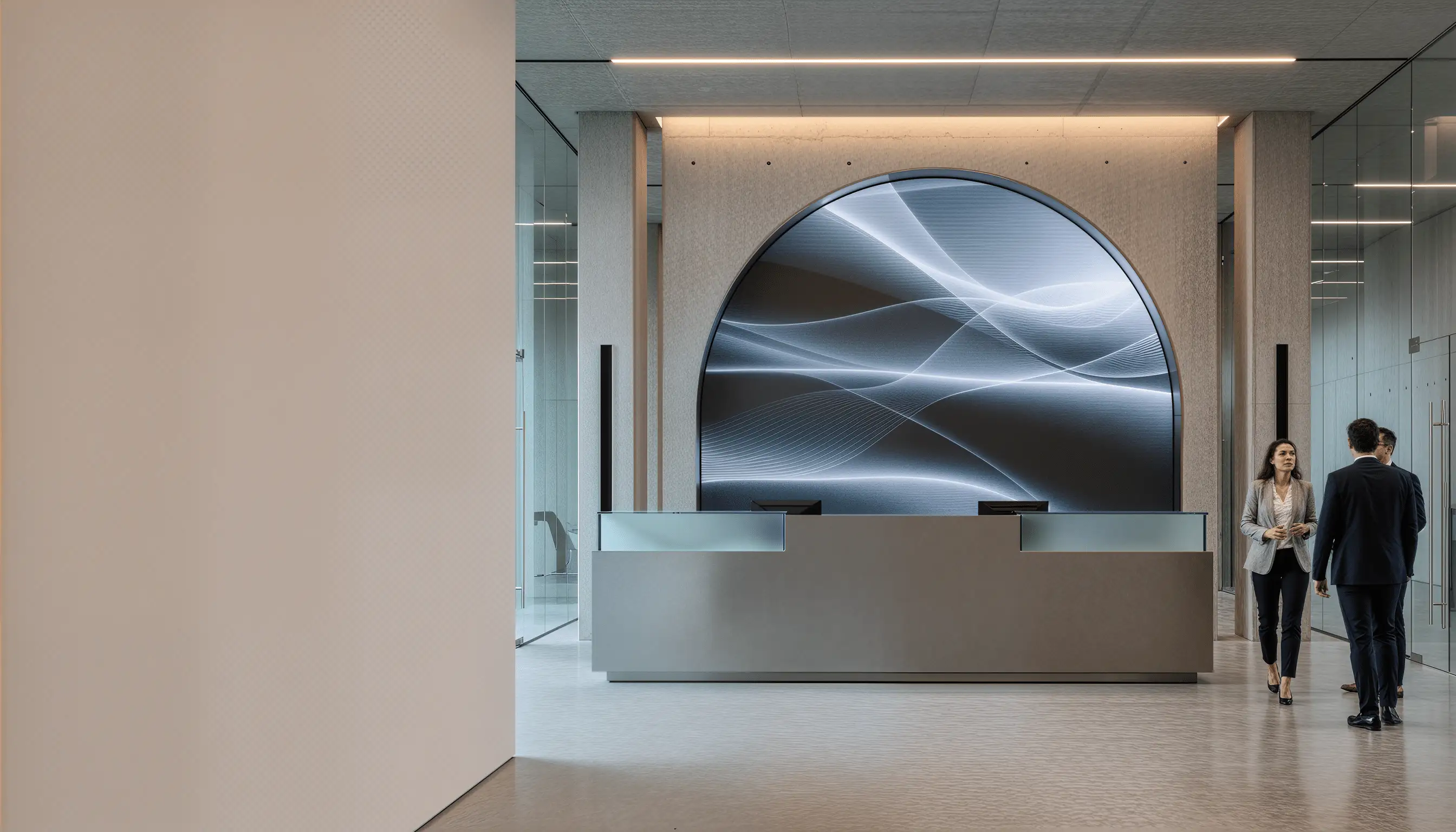
Different standards apply to showrooms: here it's often about emotional impact and brand experience. Wall-filling installations of 4 × 2.5 meters or more create an immersive effect that captivates visitors instantly. L-shaped or curved configurations are also easy to build with LED modules, which opens up a design freedom that no other display offers.
Important when planning the size: take into account the distance from the wall (at least 5 to 10 cm for ventilation), the mounting type (wall mount, stand frame or freestanding) and the viewing angle of your audience. At Kampro, we create an individual room plan for every project so that the LED wall fits perfectly into your architecture.
Conference Room vs. Showroom: Different Requirements
Although both settings use an LED wall, the requirements differ considerably:
In the conference room, functionality comes first. The LED wall has to fit seamlessly into the meeting infrastructure: video conferencing systems such as Microsoft Teams or Zoom, wireless screen sharing (BYOD), touch functionality for interactive workshops. The pixel pitch tends to be finer (P1.2 to P1.9) because viewers sit close by and text, tables and charts must be displayed razor-sharp.
For example, INFiLED delivered a conference room installation with the WP Series for Sanding Electric in Jinan: 8.5 square meters of display area with a P1.56 pixel pitch. The result: high-resolution display of presentation content and video conferences in a room that had previously been equipped with a projector (source: infiled.com/projects/).
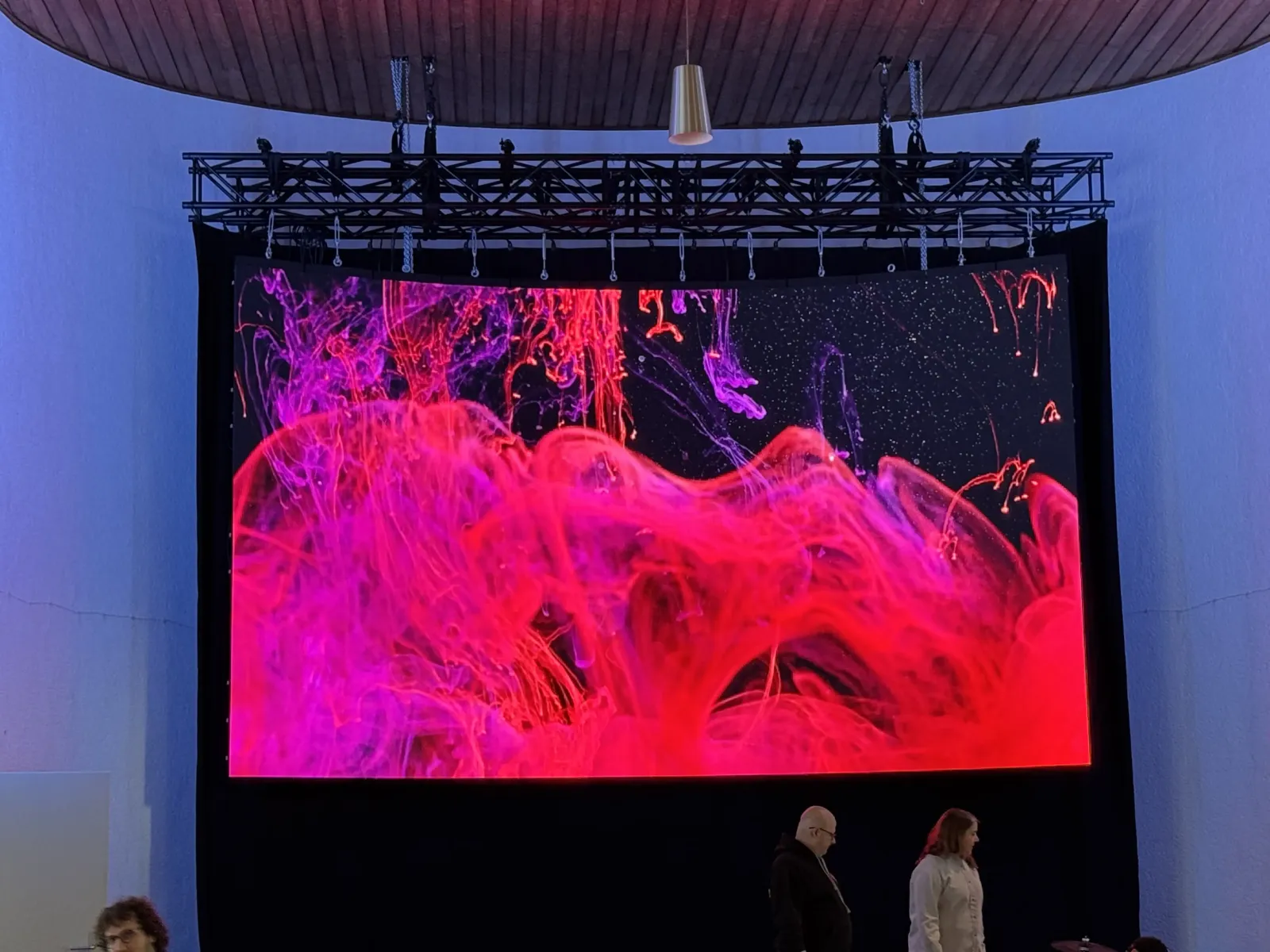
In the showroom, the experience is what counts. The goal is to showcase products, brands and stories. Large-format surfaces, high brightness, intense colors and sometimes unusual formats: curved walls, column cladding or floor-to-ceiling installations. The pixel pitch can be coarser (P2.5 to P3.9) because the viewing distance is greater. In return, design, integration into the room architecture and content management play a central role.
With its Corporate Village project, INFiLED showed how a modular LED wall becomes the communication hub in a corporate environment, controlled by a NovaStar VX1000 system that enables daily content updates and event staging (source: infiled.com/projects/).
Integration: Video Conferencing, Touch and Content Management
An LED wall in the conference room only delivers its full value with the right integration. Here are the most important interfaces and functions at a glance:
Video conferencing integration: Modern all-in-one systems such as the Unilumin UTV SC Series (learn more) → already come with an integrated operating system (Android 11.0), speakers and more than 12 ports. This lets you connect laptops, tablets and smartphones without additional hardware. The UTV SC Series is available in 108, 135 and 162 inches and uses COB technology (chip-on-board) to achieve uniform image quality with a housing depth of just 30 mm.
Touch functionality: For interactive workshops, brainstorming sessions or product configurations, a touch-enabled LED wall is ideal. 20-point multi-touch with millisecond response times lets you work as naturally as on a tablet, just at conference room size.
Wireless screen sharing (BYOD): Bring Your Own Device is standard in modern meeting rooms. The LED wall should support AirPlay, Miracast and USB-C DisplayPort so that every participant, whether on a MacBook, a Windows laptop or a tablet, can share their content in seconds. You can find out what makes a well-designed hybrid meeting setup in our article on hybrid meeting technology → (in German).
Content management for showrooms: In the showroom, the LED wall often runs continuously with changing content. A CMS (content management system) such as BrightSign, Scala or the manufacturer's own solution enables scheduled playlists, zone layouts and remote maintenance. This lets you manage content centrally, even for several locations at once.
Costs and Budget: What an LED Wall Really Costs
Investing in an LED wall is a long-term decision. To help you plan realistically, here is a transparent cost overview:
Hardware costs (purchase prices at Kampro):
Fine-pitch displays for conference rooms (indoor fine pitch, P1.5 to P2.5) cost from €899 to €3,000 per square meter at Kampro, depending on pixel pitch and technology (SMD vs. COB). For showroom installations with a coarser pitch (indoor standard, P3 to P4), prices are from €600 to €1,500 per square meter. All prices plus VAT and installation. Configure your LED wall in a few minutes and request a quote
What your wall costs depends on its area and pixel pitch, for example for a conference room wall of 4 square meters (e.g. 2.5 × 1.6 m) or a showroom wall of 10 square meters.
Installation and additional costs: Mounting, cabling and commissioning come on top of the purchase price. Depending on the project, there may also be media control, signal processing, content management software and, if necessary, structural modifications. Factor these items into a turnkey project from the very beginning.
ROI perspective: In the showroom, the investment pays off through its impact on customers. Industry data shows that companies with strong omnichannel experiences achieve average revenue growth of 10 percent per year (source: SAP Emarsys, Customer Engagement Statistics 2026). In the conference room, an LED wall saves maintenance costs in the long run: no lamp replacements as with a projector, no panel degradation as with LCD video walls. And if something fails, you replace individual modules, not the whole wall. You'll find a complete overview of the buying decision and budget planning on our overview page: Buying an LED Wall →.
Installation and Maintenance: What Matters
Installing an LED wall is not a DIY project, but it's not a months-long construction project either. Depending on size and complexity, mounting takes one to three days. All-in-one systems such as the Unilumin UTV SC Series are ready to use in under three hours.
Preparation: Before installation, we at Kampro check the wall structure (load-bearing capacity), the power supply (usually a standard 230V outlet for smaller systems, three-phase power for large installations) and the network connection. A professional room survey makes sure that display size and viewer position match perfectly.
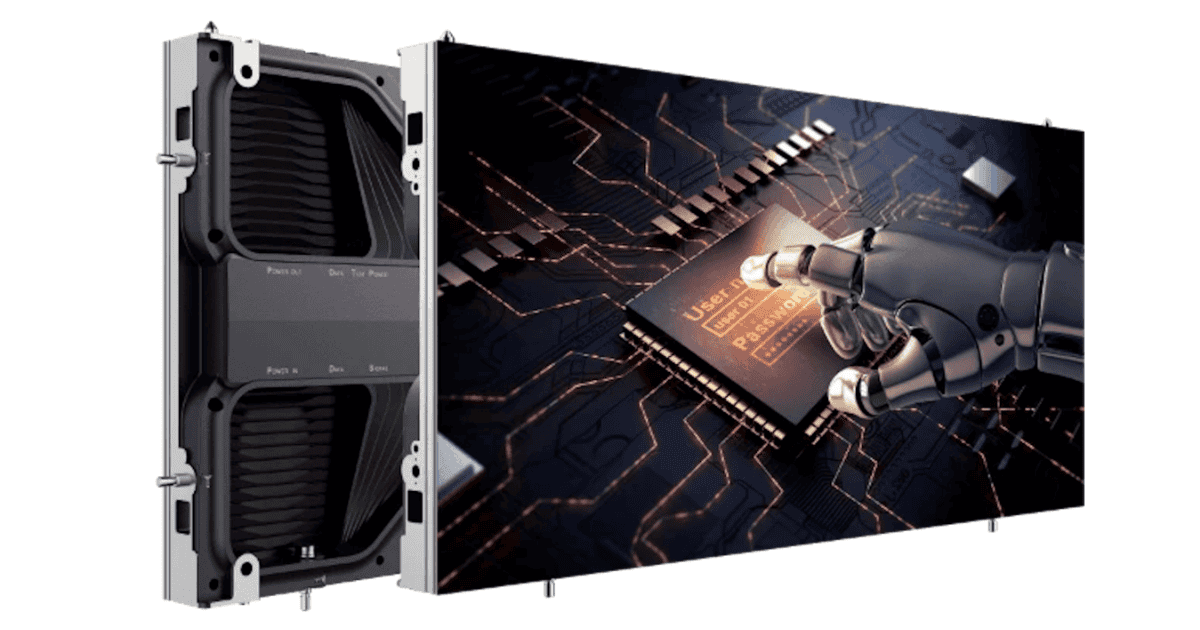
Mounting: LED modules are mounted on an aluminum substructure. Modern systems use magnetic or quick-release fastenings, so individual modules can be replaced in seconds when needed, without dismantling the entire wall.
Calibration: After mounting, the colors are calibrated so that all modules produce a uniform image. High-quality systems offer factory calibration that remains stable over their entire service life.
Maintenance: LED walls are almost maintenance-free. Regular dusting (every 3 to 6 months, depending on the environment) and occasional software updates are enough. In the rare case of a module defect, only the affected module is replaced, with no downtime for the entire system. To see how digital signage can upgrade your office and conference room as a whole, check out our overview of office use cases → (in German).
Checklist: Your Path to the Perfect LED Wall
Before you decide, go through these points:
1. Define the purpose: Mainly meetings and video conferencing? Or showroom and brand experience? The answer determines pixel pitch, brightness and depth of integration.
2. Measure room dimensions and viewing distance: How large is the available wall area? How close do viewers sit or stand? This determines the optimal pixel pitch and display size.
3. Assess the lighting conditions: Are there windows with direct sunlight? Can the room be darkened? This affects the brightness you need.
4. Clarify integration requirements: Which video conferencing platform do you use? Does the LED wall need touch? Should it support BYOD? Is there an existing media control system?
5. Plan your budget realistically: Purchase price plus VAT and installation, plus control and commissioning. Think long term: low operating costs over many years.
6. Choose an experienced partner: From room planning and product selection to installation and support, an experienced partner like Kampro guides you through the entire process and makes sure the LED wall matches your requirements exactly.
Sources and Notes
INFiLED case study (Sanding Electric): WP Series LED installation in a conference room, 8.5 m², P1.56 (source: infiled.com/projects).
INFiLED case study (Corporate Village): Modular LED wall in an office environment with NovaStar VX1000 control (source: infiled.com/projects/corporate-village).
Pricing: Purchase prices per square meter at Kampro, plus VAT and installation. For binding prices, we recommend an individual quote.
Technical information: The formula linking pixel pitch and viewing distance is based on an established rule of thumb in the LED industry and on manufacturer information from Unilumin and INFiLED. Exact values depend on the type of content, the resolution and individual visual acuity.
SAP Emarsys: Customer Engagement Statistics 2026, omnichannel growth data (source: emarsys.com/learn/blog/customer-engagement-statistics).
Want to know which LED wall is right for your conference room or showroom?
At Kampro, we advise you personally, from room analysis and product selection to turnkey installation. No sales pressure, just honest recommendations. Get a no-obligation consultation now →